No desktop install

Browser-based church presentation software

MyChurchSpace runs in the browser so churches can present from common service laptops without installing or maintaining desktop presentation software.

Start presenting free See features

No installation. No payment needed.

Browser-based church presentation software running in a web app

Church presentation made easy, and free.

Present songs, Scripture, media, announcements, livestream screens, live transcription, and AI Bible detection for every church service, all from your browser.

No installation. No payment needed.

Open the same app anywhere

Use MyChurchSpace on Windows, Mac, Chromebook, Linux, and iPad with a modern browser. The interface stays familiar across devices.

Fast updates without media team work

Because the app is web-based, improvements can reach churches without installer files or manual desktop updates.

Built for live projection

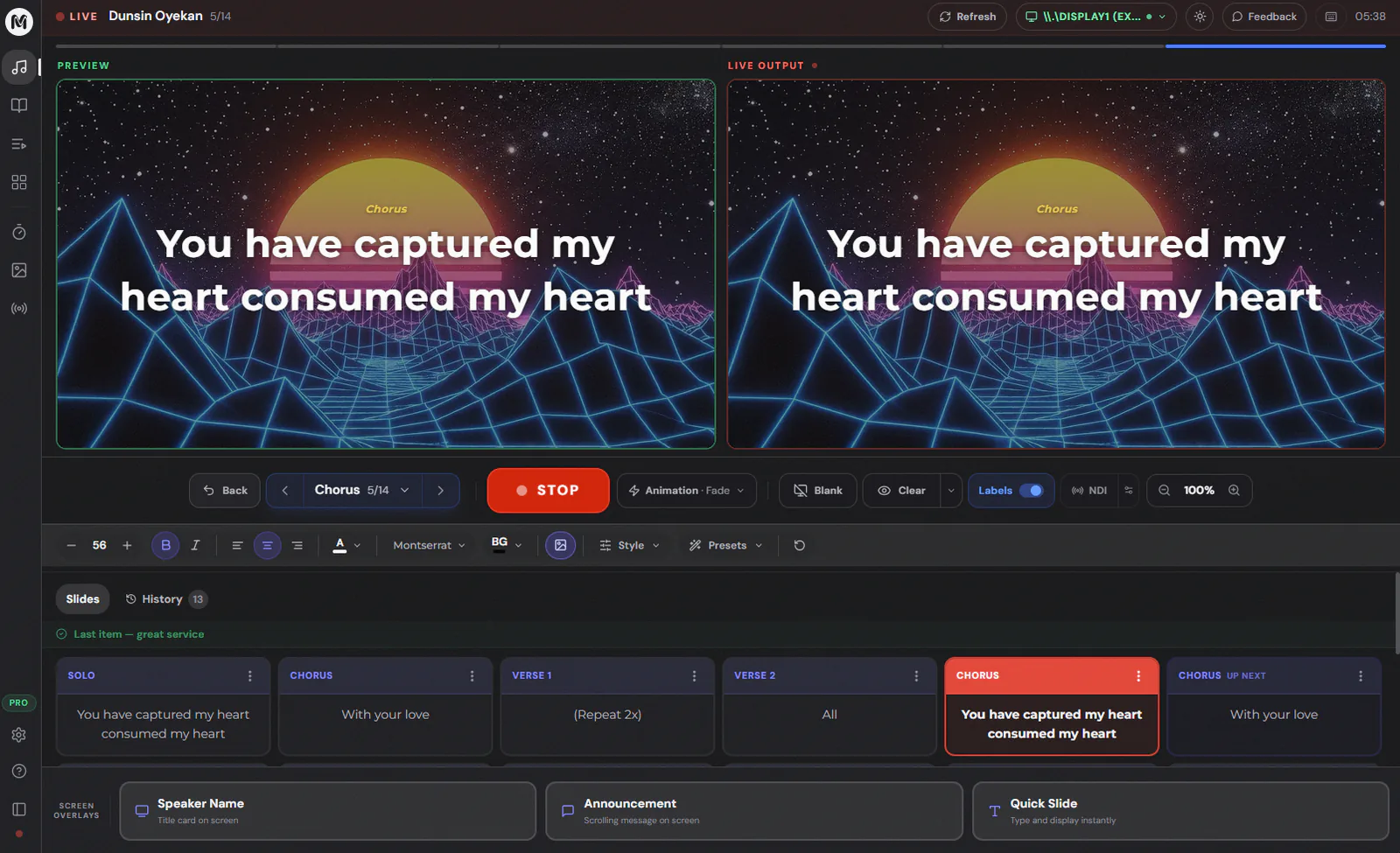
The browser experience is designed around live output, fullscreen display, OBS/vMix browser source, and fast slide control.

Everything churches need to run service screens

  • Build a service plan with songs, Bible passages, announcements, timers, media, and custom slides.
  • Show lyrics, Scripture, media backgrounds, lower-thirds, and livestream screens from one browser-based cockpit.
  • Use live transcription and AI Bible detection to help the media team follow the sermon.
  • Prepare content on real church laptops and keep the experience simple for volunteers.

Free for churches

MyChurchSpace is free to start using. Churches can prepare services, show Bible verses, use songs and media, and run live screens without payment pressure.

Design slides that look incredible.

Create announcements, sermon points, welcome screens, and service slides with the built-in editor. Custom backgrounds, fonts, and layouts — no PowerPoint needed.

Frequently Asked Questions

Can a browser app work for church projection?

Yes. MyChurchSpace is built around browser projection, live output, and fullscreen display workflows.

Does this work on low-end computers?

The app is designed to stay light and responsive on common service laptops.